
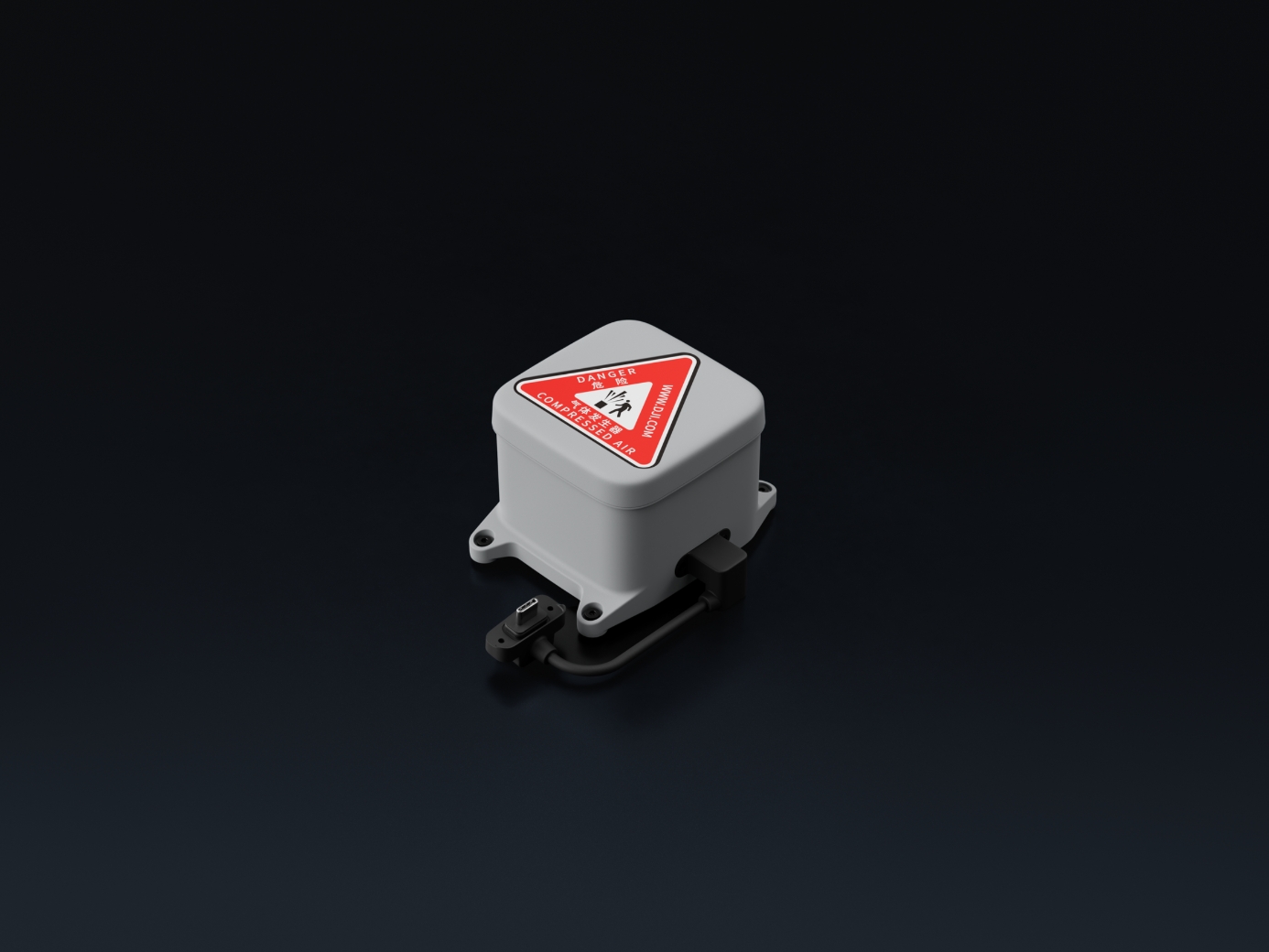
Beskrivelse
Meets Beyond Visual Line of Sight (BVLOS) requirements. Works with the built-in Flight Termination System (FTS) for safe, controlled landings. The lightweight design reduces the impact on flight time. Can be triggered via DJI FlightHub 2 or the FTS [4].
Specifications
| AP1 Parachute | Weight | 107 g (excluding bracket) | |
| AP1 Parachute | Dimensions | 92×70×56 mm (L×W×H, excluding bracket) | |
| AP1 Parachute | Max Supported Takeoff Weight | 3050 g | |
| AP1 Parachute | Operating Altitude | 0-5000 m | |
| AP1 Parachute | Stabilized Descent Speed | < 6 m/s | Measured in a windless environment at 25° C (77° F), at an altitude between 30 m and 500 m, with DJI Matrice 5TD taking off at the max takeoff weight of 3050 g. Data is for reference only. Actual experience may vary depending on the environment, usage, and firmware version. |
| AP1 Parachute | Effective Deployment Altitude | ≥ 35 m | The minimum effective deployment altitude of DJI AP1 Parachute is 35 m (the minimum vertical altitude required for the parachute to stabilize the aircraft’s descent below 6 m/s). If deployed below 35 m, the parachute will still eject, but may not fully inflate to adequately slow the descent. Additionally, in some cases, auto-deployment may not trigger, requiring manual operation. Please fly with caution. For detailed features and trigger conditions, visit the official product page.
The 35 m data was measured in a windless environment at 25° C (77° F), at an altitude below 500 m, with DJI Matrice 5TD taking off at the max takeoff weight of 3050 g. Data is for reference only. Actual experience may vary depending on the environment, usage, and firmware version. |
| AP1 Parachute | Automatic Deployment Response Time | 600 ms | Measured in a controlled laboratory environment. With DJI Matrice 5TD hovering and propellers spinning, this is the total time interval recorded from the triggering of the Flight Termination System (FTS) signal, through the confirmation of a complete rotor stop, to the triggering of the gas generator’s electrical signal. Data is for reference only. Actual experience may vary depending on the environment, usage, and firmware version. |
| AP1 Parachute | Deployment Method | Manual/Automatic | |
| AP1 Parachute | Operating Temperature | -40° to 50° C (-40° to 122° F) | |
| AP1 Parachute | Ingress Protection Rating | IP55 | |
| AP1 Parachute | Mounting | Mounted on top of the aircraft using the Matrice 5TD Accessory Mount. Make sure to tighten the mounting screws during installation. | |
| AP1 Parachute | Audible and Visual Alarms | Aircraft beeping and indicator flashing | |
| AP1 Parachute | Backup Power Duration | 30 s | Measured at 25° C (77° F) with the parachute in its factory state, or when the parachute is connected to the aircraft for over 10 minutes of flight time each month. Data is for reference only. Actual experience may vary depending on the environment, usage, and firmware version. |
| AP1 Parachute | Self-Check | Continuously checks the status of the gas generator and communication links, displaying alerts via the DJI FlightHub 2 Health Management System (HMS) interface. | |
| AP1 Parachute | Independent FTS Link | Supported |